Salesforce Marketing Cloud (SFMC) provides click reports that list URLs and click counts - but they don’t show where those clicks happened inside the email layout.
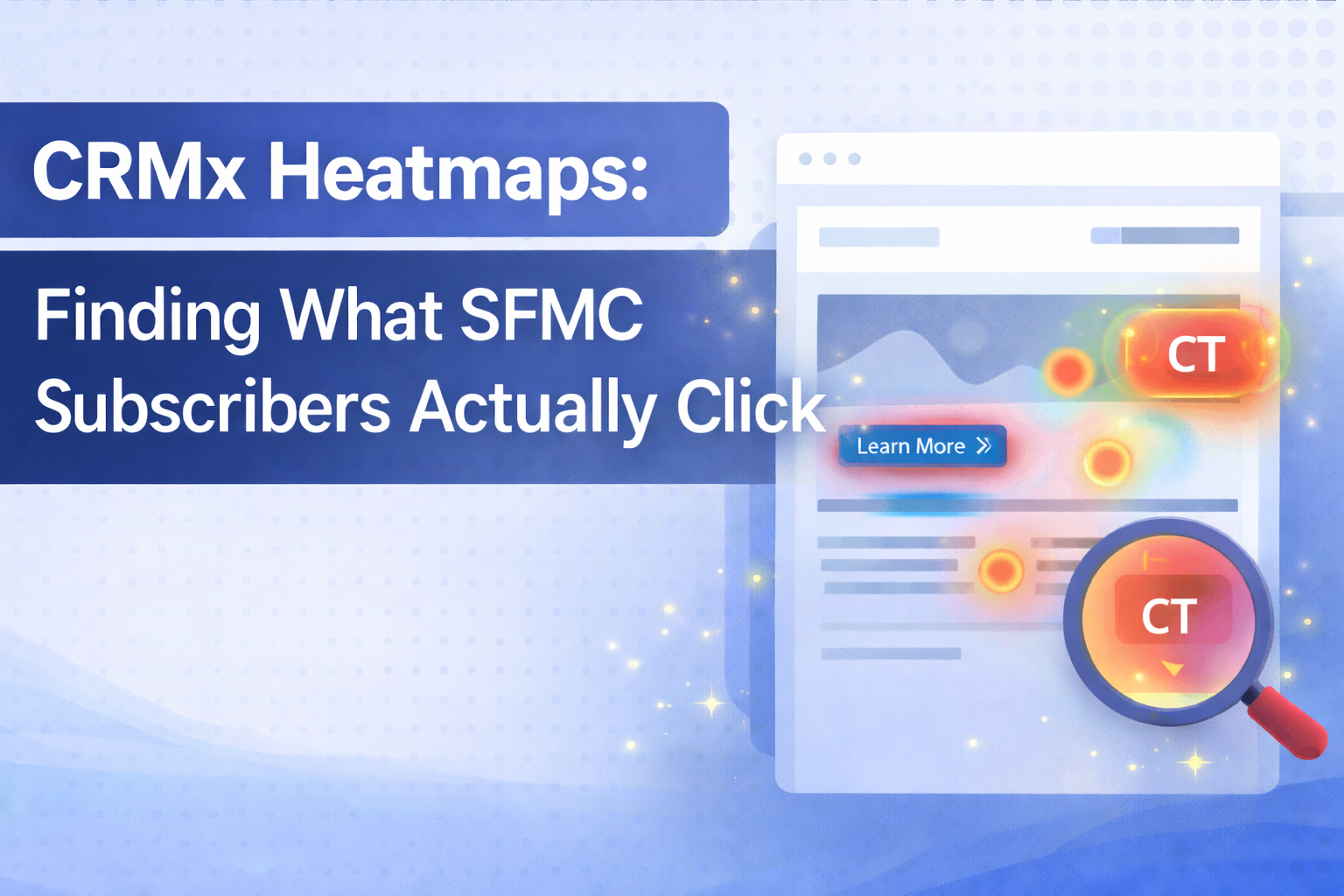
CRMx Email Heatmaps bridge this gap by overlaying actual SFMC tracked click data directly onto the email creative, allowing marketers to instantly understand which elements attract attention, which CTAs perform best, and how subscribers interact with each email section.
Using CRMx, SFMC teams can move from spreadsheets to visual, insight-driven click analysis.
Step 1: Visualise Tracked Clicks on the Actual Email
CRMx Email Click Heatmaps take SFMC-tracked click data and map it directly onto the rendered email.
What you can instantly see:
CTAs with the highest engagement (highlighted hotspots)
Logo clicks vs primary CTA clicks
Footer and utility link engagement (Privacy Policy, Unsubscribe, Profile Update)
Click concentration across the email layout
Instead of guessing from rows of URLs, you see real engagement in context.
Step 2: Understand Click Distribution & Focus Areas
Heatmaps make it easy to identify:
Primary attention zones (high-intensity click areas)
Secondary engagement elements
Low-visibility or ignored sections
This helps teams answer:
Are users clicking the hero CTA or scrolling further?
Are navigation or logo links distracting from conversion goals?
Is footer engagement higher than expected?
Step 3: Rank CTAs with Click Ranking Intelligence
CRMx automatically ranks every tracked link inside the email.
From your report table, you can see:
Click Rank (1, 2, 3…)
Total clicks
Unique clicks
CTR per link
This allows marketers to:
Identify top-performing CTAs instantly
Compare primary vs secondary actions
Spot underperforming links that need repositioning or redesign
Step 4: Analyse Time-to-Click & Engagement Speed
CRMx shows how quickly subscribers interact after opening the email.
Key metrics include:
Time to first click
Click decay bucket (e.g. 0–1 hour)
Avg clicks per user
These insights help answer:
Are users engaging immediately or later?
Do urgent campaigns drive faster action?
Which CTAs trigger instant interaction?
Step 5: Journey-Level & Version-Level Visibility
CRMx connects click behavior back to:
SFMC Job ID
Journey name
Journey version
This is critical for:
Multi-version journey analysis
Understanding click behaviour across journey iterations
Comparing performance between journey updates
Step 6: Export Visual & Tabular Reports for Stakeholders
CRMx supports:
CSV export
Excel export
PDF export
Use these to:
Share insights with design teams
Present clear evidence to stakeholders
Document learnings across campaigns and journeys
No more manual screenshots or spreadsheet stitching.
Step 7: Continuous Optimisation Across All SFMC Campaigns
With CRMx Email Heatmaps, teams can:
Monitor every campaign consistently
Compare CTA performance over time
Improve layout, CTA placement, and hierarchy
Make faster, data-backed creative decisions
All using existing SFMC click data - enhanced visually.
Final Thoughts
CRMx Email Heatmaps don’t replace SFMC tracking - they unlock its full potential.
By combining:
Visual heatmaps
Click ranking
Timing insights
Journey context
CRMx helps SFMC teams clearly understand what subscribers actually click and where - without guesswork.
If you want to move beyond raw click tables and start optimising emails visually, CRMx Email Heatmaps provide the clarity SFMC marketers have been missing.